How to choose a soldering iron: USB, 60 W or digital 120 W
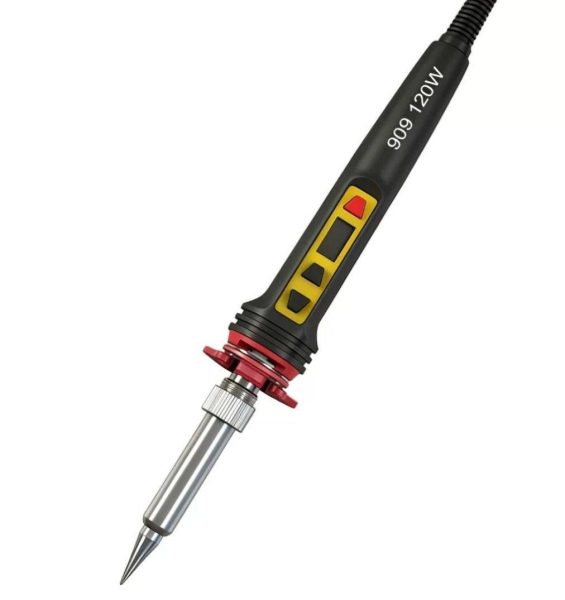
For wires, connectors and learning, a 60 W iron with a temperature knob is enough — the easiest option is the 8-in-1 kit, which already includes tips, solder and a stand. For boards, SMD and heavy joints, go for the digital 120 W iron with a display: you see the temperature in degrees and have power to spare for big parts. A USB iron is a field tool: garage, country house, car, quick jobs without a socket.
Don’t choose an iron by wattage alone. What matters is what you solder: can you set the temperature, can you swap the tip, and is there enough heat for the biggest part you work on?
Flusenko soldering irons compared
| Iron | Temperature | Best for |
|---|---|---|
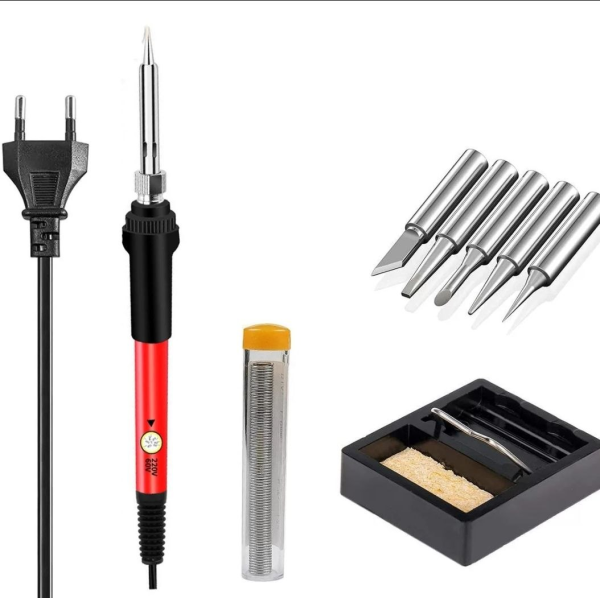
| 60 W kit, 8-in-1 | 200–450 °C, knob on the handle | wires, connectors, learning, home repairs |
| Digital 120 W | 200–600 °C, display | boards, SMD, heavy joints, daily work |
| 908S, 80 W | 180–500 °C, ±2 °C | SMD, phone and tablet boards |
| USB, 5 V | adjustable | quick jobs without a socket |

Why temperature control matters
Without a regulator the tip gets as hot as it gets, which is often too much for small parts: pads lift, flux burns and the tip turns black. With a regulator you set just what the solder and part need — a knob on the 60 W kit, an exact number on the 120 W display. For reference values see “Soldering temperature: a table for real jobs”.
Power: when 60 W isn’t enough
Wattage is heat reserve. A thin wire or resistor lead heats up with any iron, but a wide copper pad, a shield or a thick wire pulls heat out of the tip and it cools down. 120 W recovers temperature faster, so heavy joints don’t turn into slowly baking the board.
A removable tip is a must
Tips wear out. All our mains irons have removable tips: when one is worn, you replace the tip, not the tool. The 8-in-1 kit comes with five spare tips of different shapes: a cone for precise work and a chisel for wires and pads.
Flusenko’s tip. Make your first iron an adjustable one, even if you only plan to solder wires. Not overheating is half of a neat joint — and the tip will last twice as long.
What else you’ll need
- flux — solder won’t flow without it; the flux paste with a plunger is easy to start with;
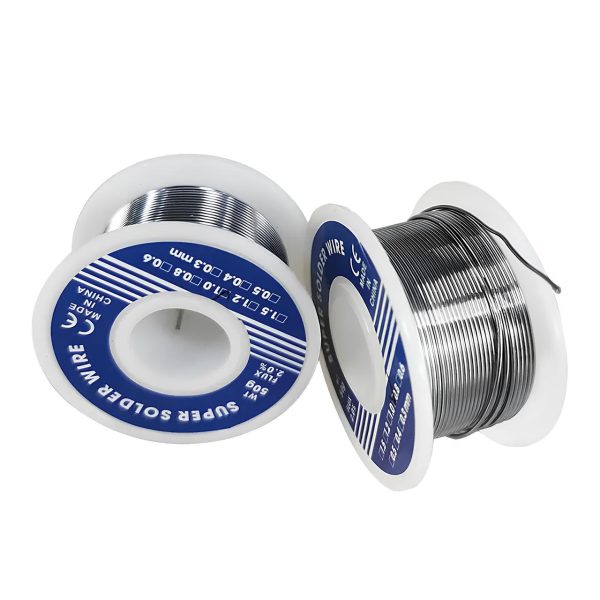
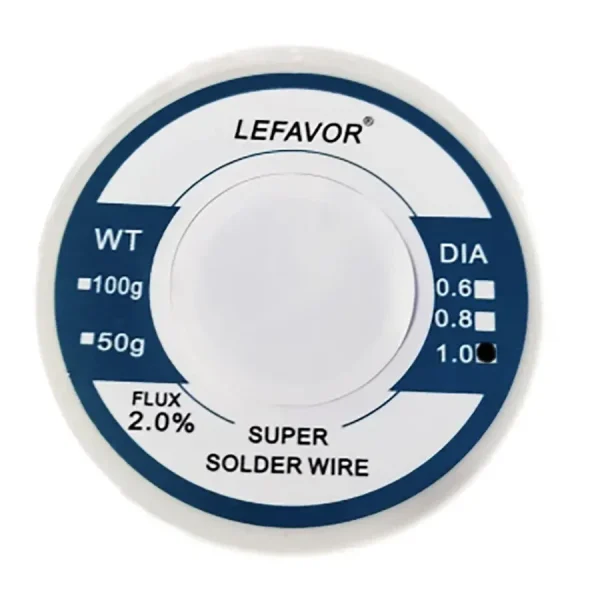
- 1 mm flux-cored solder — Lefavor 63/37;
- something to clean the tip — tip-cleaning wool instead of a wet sponge;
- a stand if your iron doesn’t have one — the coil stand with a sponge.
All of it comes together in the “First solder” kit, and for repair shops in “Workshop PRO”.
FAQ
Which iron should I get for phone repair?
One with precise temperature control: the digital 120 W or the 908S. A display and stable temperature matter for small SMD parts, and spare power helps with shields and heavy contacts.
Can a USB iron be my main one?
For quick jobs, yes: a wire, a connector, a contact on the go. For regular board work a mains iron with temperature control is better — USB 5 V delivers less heat than 60–120 W mains irons.
Why does a new iron smoke?
On first heating, factory oils and residue on the heater burn off — that’s normal for a few minutes. Before work, tin the tip: heat it and coat it with a thin layer of solder.